Prompts from videos, posts and slides
Copy the prompt out of a paused video.
The prompt is on screen but you cannot select it. Pause, press Alt Z, drag a box over it, and it comes back as text you can edit, copy and paste.

What you get
The text as shown, and where it came from.
Text you can use
The AI reads the area you dragged over and keeps bullets, headings and code. Blanks such as
[PRODUCT_NAME]or{{audience}}become fields to fill in.The video and the moment
On YouTube the prompt is saved with the video title, the channel and the time, and Jump back opens the video at that moment. Elsewhere it keeps the page.
Credit where it is due
Because the source stays with the prompt, you can go back to the creator, or name them when you share what you made.
Long prompts
Prompt cut off? Add the next part.
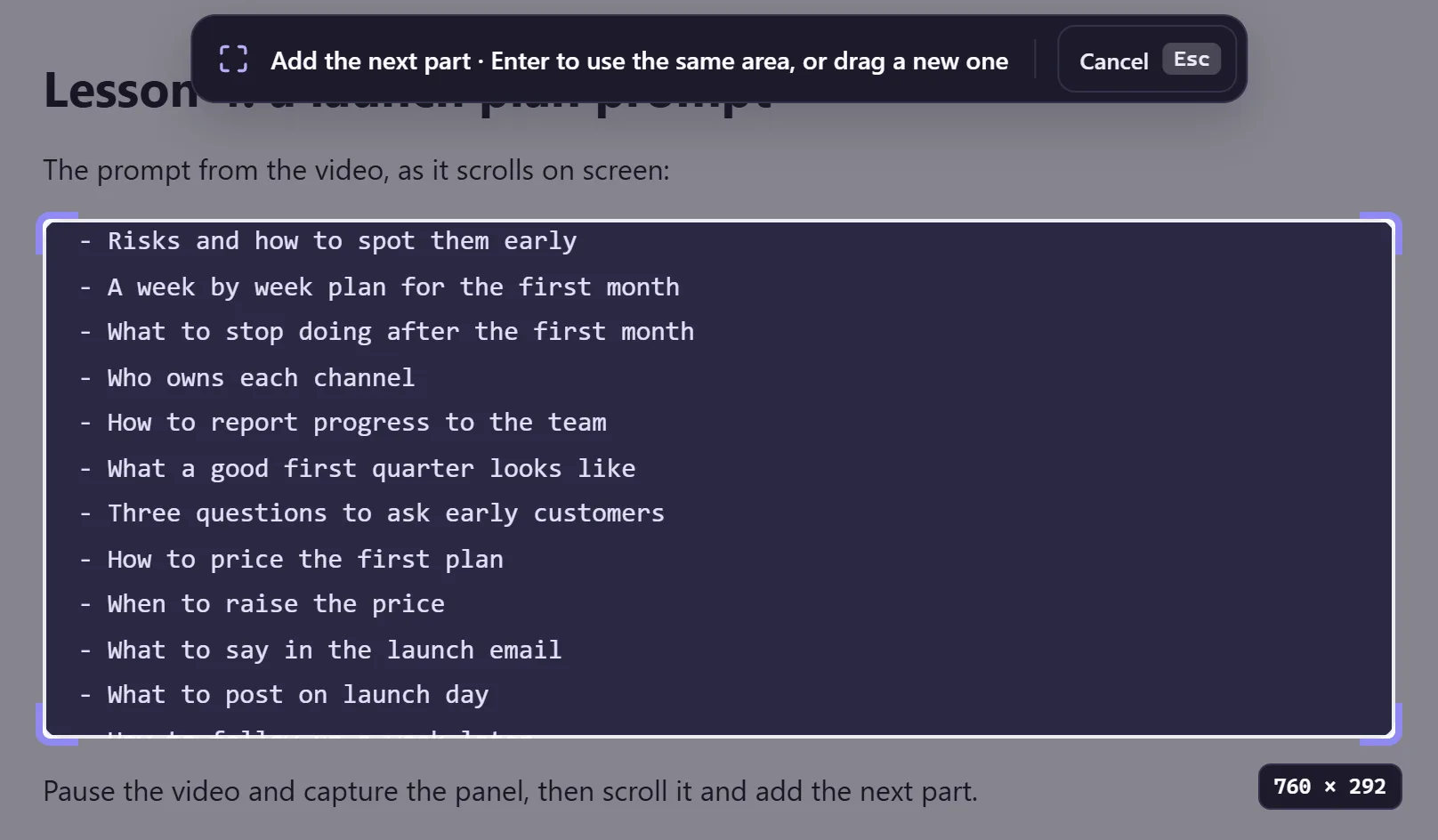
Some prompts scroll past in a tutorial, or do not fit on the slide. Capture the visible part, scroll or play on, then press Alt X. The same area is ready again: press Enter or drag a new one.
- The AI adds the new lines to the end and leaves out the lines both frames show.
- Up to 6 parts per prompt. For a prompt captured in the last 180 days, parts 2 to 6 do not count as captures.
- Your edits stay: the next part goes after the text as you edited it.
Beyond videos
Posts, slides and screenshots too.
Posts
On X, Reddit, LinkedIn and other social sites, the AI is told to leave out the usernames, likes and timestamps, so you keep the prompt. You can turn this off in Settings.
Slides and screenshots
Text inside an image, a slide deck in the browser, or a screenshot someone posted: drag over it like a video.
Text you can already select
Select it and press Alt C. It is saved as it is, and it does not count as a capture.
A whole page
With nothing selected, Alt C reads the visible part of the page. That one counts as a capture.
Questions
Prompts from videos, answered
Which video sites does it work on?
Sites that play video in a normal Chrome tab: pause on the frame and drag over it. The video title, channel and time are saved for YouTube; on other sites the prompt keeps the page address. Video that a site protects from screenshots (some streaming services) shows up black, so it cannot be read.
Does the video have to be paused?
Pausing helps: the AI reads one still frame, so a prompt that is on screen for a moment is easier to catch on a paused frame.
Is the result always right?
No. AI can misread a word or miss a line, and the sidebar labels what the AI wrote. Check a prompt before you use it, and fix it in place with Edit.
Is Prompt Grabber free?
Yes. Free gives you 10 AI captures a month and up to 50 saved prompts, with no card and no account. Saving text you selected (Alt C) does not count as a capture. Pro is $4.99 a month or $39 a year for 500 captures a month and no limit on saved prompts.
Which AI reads my captures?
Google Gemini, through the Prompt Grabber service. For each AI capture, the area you selected is sent as an image to the service and on to Gemini for the answer. It is not stored by Prompt Grabber. You never need an AI key of your own.
Does it work on every site?
It works on ordinary web pages in Google Chrome on a computer. It cannot capture Chrome's own pages (chrome:// pages and the Chrome Web Store), and it does not run on phones.
Stop retyping prompts from videos.
Pause, drag, and keep the text with the video it came from.